
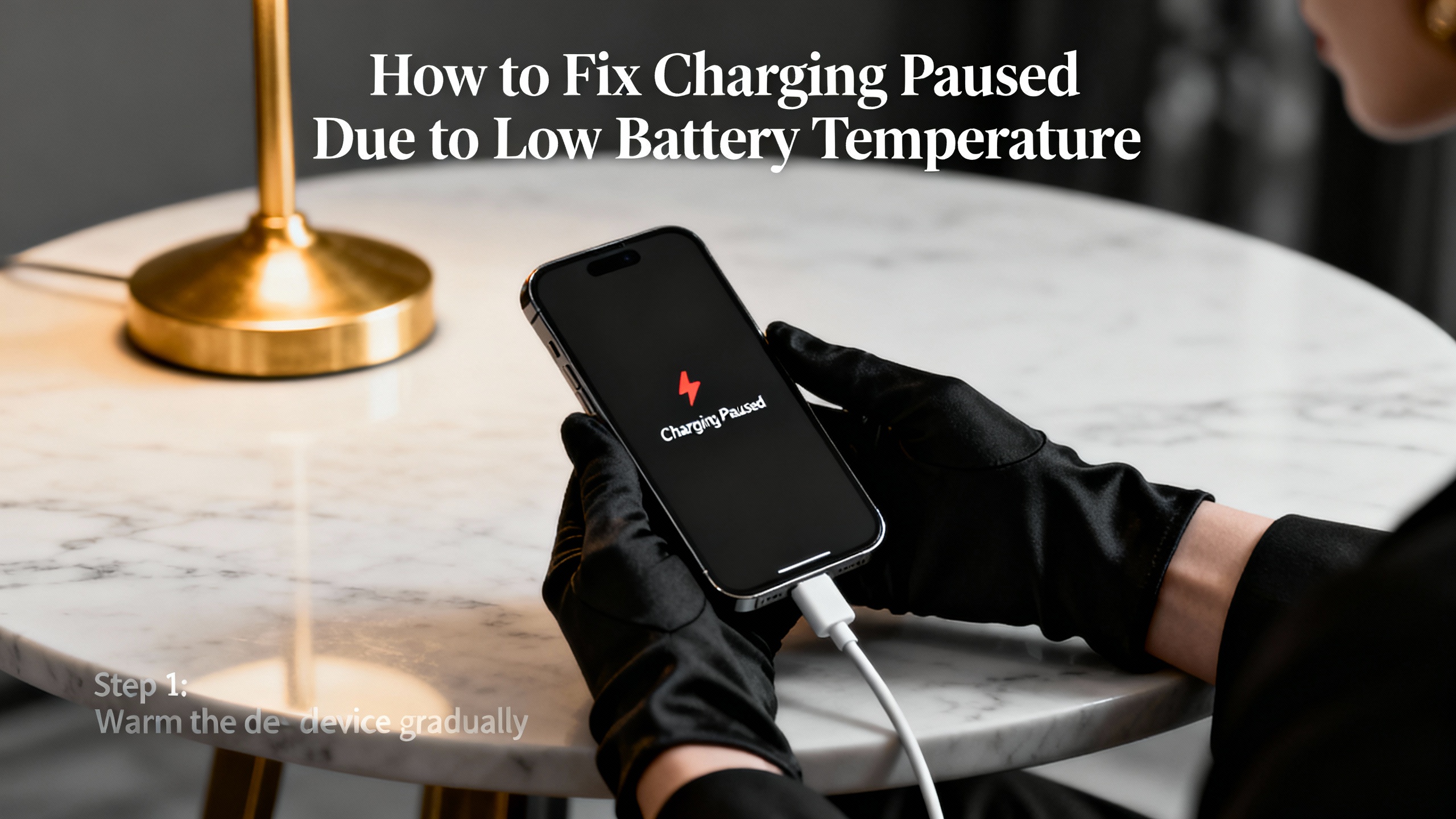
Smartphones rely on carefully managed battery systems. When cold weather or sudden temperature drops affect your device, your phone may pause charging to protect the battery. Many users see alerts like “Charging Paused” or “Battery Temperature Too Low” and feel confused or frustrated. This guide explains why your phone behaves this way and shows you practical, safe steps to fix the problem.
Why Low Battery Temperature Stops Charging
Lithium-ion batteries power most smartphones. These batteries perform best within a moderate temperature range. When temperatures drop too low, chemical reactions inside the battery slow down. This slowdown increases resistance and raises the risk of long-term battery damage.
To prevent harm, your phone’s charging controller monitors battery temperature in real time. When the temperature falls below a safe threshold, the system pauses charging automatically. Your phone takes this action to protect battery health, not to signal a hardware failure.
Common Situations That Trigger the Issue
Several everyday situations can cause low battery temperature warnings:
- You leave your phone in a cold car overnight
- You use your phone outdoors during winter
- You charge your phone near an air conditioner
- You place your phone against a cold window or metal surface
Cold environments affect phones faster than most users expect. Even short exposure can trigger charging pauses.
Warm the Phone Gradually
Start with the simplest solution. Move your phone to a warmer indoor environment. Place it on a table at room temperature and wait 15 to 30 minutes.
Avoid shortcuts. Do not use hair dryers, heaters, or heating pads. Sudden heat can damage internal components and warp the battery. Slow, natural warming protects your device and restores safe charging conditions.
Once the phone reaches a normal temperature, connect the charger again. In many cases, charging resumes immediately.
Remove the Phone Case
Thick or insulated phone cases trap cold air inside. When you remove the case, the phone absorbs warmth from the surrounding environment more effectively.
After you remove the case, allow the phone to rest at room temperature. This small step often speeds up recovery, especially during winter months.
Use the Original Charger and Cable
Low temperatures already stress your battery. Cheap or damaged chargers add more instability to the charging process.
Use the original charger and cable that came with your phone or a certified replacement. High-quality chargers deliver consistent power and communicate correctly with your phone’s charging system. This reliability helps your device resume charging as soon as temperatures return to normal.
Avoid Charging in Cold Locations
Charging location matters as much as temperature. Even if your phone warms up, cold surfaces can quickly pull heat away.
Choose a stable, warm surface such as a wooden desk or bedside table. Avoid placing your phone near windows, vents, or exterior walls during charging. Small environmental changes often make a big difference.
Check Battery Health and Software
Aging batteries react more strongly to temperature changes. If your phone frequently pauses charging in mild conditions, the battery may have degraded.
Check battery health settings if your phone supports them. Keep your operating system updated as well. Software updates often improve temperature monitoring and charging behavior.
When users seek deeper understanding of these systems, educational resources like mobile phone online repair guides help explain how batteries, sensors, and charging circuits work together without pushing unnecessary services or products.
Restart the Phone After Warming
After the phone warms up, restart it. A restart refreshes temperature readings and resets charging logic.
Turn the phone off, wait a few seconds, and power it back on. Then reconnect the charger. This step often resolves lingering alerts that remain after temperature normalization.
Avoid Using the Phone While Charging
Heavy usage during charging generates heat unevenly and confuses temperature sensors. In cold conditions, this uneven heat distribution can prolong charging pauses.
Let the phone rest while charging. Close background apps and lock the screen. This approach allows the battery to stabilize and charge efficiently.
When to Seek Professional Help
If charging pauses occur frequently in normal indoor temperatures, your phone may have a faulty temperature sensor or battery. Physical damage, moisture exposure, or manufacturing defects can affect temperature readings.
At this point, professional diagnostics make sense. Reputable educational platforms and mobile phone online repair resources explain diagnostic steps clearly and help users understand repair decisions without pressure or promotion.
Preventing the Issue in the Future
You can reduce future charging interruptions with simple habits:
- Keep your phone in a pocket during cold weather
- Avoid leaving devices in cars overnight
- Store phones away from windows in winter
- Charge devices indoors whenever possible
These habits protect battery health and extend device lifespan.
Final Thoughts
Charging pauses due to low battery temperature serve a protective purpose. Your phone actively prevents damage by stopping charging under unsafe conditions. With patience and proper handling, you can restore charging safely and avoid long-term battery problems.
By understanding how temperature affects your device, you gain better control over its performance and longevity. Small adjustments in environment, charging habits, and awareness make a lasting difference.